For endurance and outdoor athletes, sleep is the ultimate recovery lever. Garmin’s sleep score (0–100) isn’t just a “wellness” check; it is a critical performance metric powered by Firstbeat Analytics. The score can offer useful insight into your recovery and training readiness. So, if you use a Garmin device and your sleep score isn’t what you want it to be, chances are there is some sort of behavior that’s getting in the way of your ideal number.
How Garmin Sleep Score Methodology Works
Let’s start off by looking at how Garmin methodology works. There are four key markers that go into generating your total score:
- Sleep Duration: This refers to the total number of hours you get compared to what you should be getting based on your age. In general the goal is anywhere between 7 and 9 hours of sleep per night, every night.
- Sleep Architecture: This refers to the timing of your light sleep versus your deep sleep. Deep sleep is when the physical repair happens for muscles so having a good amount of it is very important for recovery. It also looks at your REM stages which is when a lot of the cognitive processing happens.
- HRV Analysis: This is arguably the biggest performance-based component to your Garmin sleep score, analyzing your stress levels or heart rate variability. Basically, it compares whether your autonomic nervous system was in a recovery state (parasympathetic) or a stressed state (sympathetic).
- Restlessness: Finally, this is based on how frequently you were awake during the night, basically how much you tossed and turned.
So, if you want to boost your Garmin sleep score you have to know which of these areas might be bringing your average down.
Top Behavior Patterns Garmin Penalizes
Garmin’s algorithm is highly sensitive to physiological “noise,” basically anything that indicates bad recovery during your, presumably, eight hours of sleep. This includes:
- Alcohol consumption
- Light night training
- Irregular sleep
- Overtraining
Boosting that score means figuring out if you happen to embody any of these negative behavioral patterns and if so, working to do away with them. Remember, the Garmin sleep score is basically an analysis of how efficient your autonomic nervous system functions. It’s going to prioritize restorative sleep over sleep duration so these behavioral patterns can lead to penalties, by taking away from that restoration process.
How to Optimize Your Garmin Score
If you are aiming to get out of “Fair” (60–79) and into the “Excellent” (90–100) category, your sleep should be part of your training, part of your lifestyle. It should be something you actively protect rather than something you barely give thought to.
For that, you can do a few things.
Avoid Alcohol Consumption
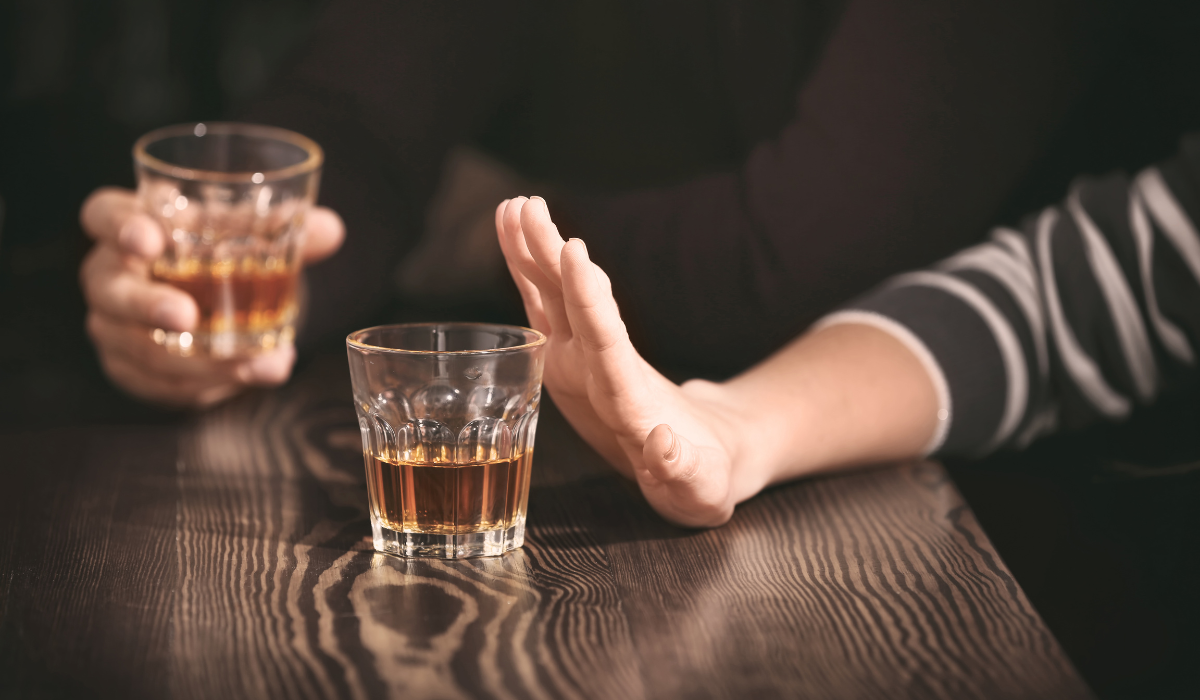
The biggest thing to avoid is alcohol. It might help you fall asleep faster, but really it kills your HRV and it increases your resting heart rate.
The algorithm basically penalizes anything that puts your body into a fight or flight state when it should be in its rest and digest state. Alcohol consumption is probably the most severe behavioral penalty for Garmin watch wearers. It suppresses heart rate variability and increases heart rate which Garmin interprets as a high physiological stress source, basically tanking the “restorative” part of your score.
Even drinking one or two glasses before bed can drop your score by over 20 points.
Get Rid of Late-Night Training
Don’t do any type of high intensity training within three hours of your bedtime. Remember, you’re the one in control of your sleep schedule, Garmin is just going off the schedule you set up so if you do an intense training session an hour before bed, for example, you’re going to have an elevated heart rate and low HRV when you sleep which means your score might be “poor.”
Intense training in the evening keeps your core temperature elevated even after you go to sleep. Sure, things like the Eight Sleep Pod or a jacked up A/C unit can help with this but Garmin will penalize elevated core temperature and elevated metabolic rate in the “stress” metric of the sleep score. If your HRV doesn’t rebound back into its relaxed state within the first hour of sleep, you’re never going to get above “Fair” for that night.
Don’t Overdo It

Garmin knows if you’re training too much, even if you don’t want to admit it. If your training load is way more than your capacity for recovery, it shows in terms of your high resting heart rate and low HRV. So if you know you’re pushing it a little too hard, that might be bringing your score down.
This isn’t exactly a “behavior” but Garmin will penalize any physiological markers of illness or overtraining. So if you have overnight resting heart rates that are significantly higher than your weekly average you’ll have a poor score in the “physical recovery” part of your weighted average. A low HRV status as well, something that typically happens right before you get sick or right after you’ve pushed your body to its limits, triggers a “poor” recovery insight too even if you get 8 hours of sleep.
Keep it Consistent
Consistency appears to play a major role in Garmin’s sleep scoring system. This means that going to bed and waking up within the same 30 minute window every day will stabilize your HRV baseline, something the Garmin watch defines as “true rest.”
Going to bed at the same time and waking up around the same time is critical to a good sleep score even though it feels far better to sleep in on the weekends. You might feel groggy and exhausted from a particularly demanding training session or a heavy duty hike the day before, but you aren’t actually doing your circadian rhythm or your resting heart rate any favors by sleeping in an extra two hours. Garmin, in fact, usually penalizes significant deviations from what you establish as your sleep schedule to make sure you stick to it.
This also reduces the penalty for “restlessness” that happens when your watch is constantly searching for a sleep state that it can’t find. Frequent tossing and turning is heavily penalized. Garmin basically views High restlessness with late night social media scrolling or high stress levels and a fragmented eight-hour night where you wake up several times even if it’s only briefly will give you a much lower score as compared to six hours of solid sleep without any waking.
Reducing (Body) Stress
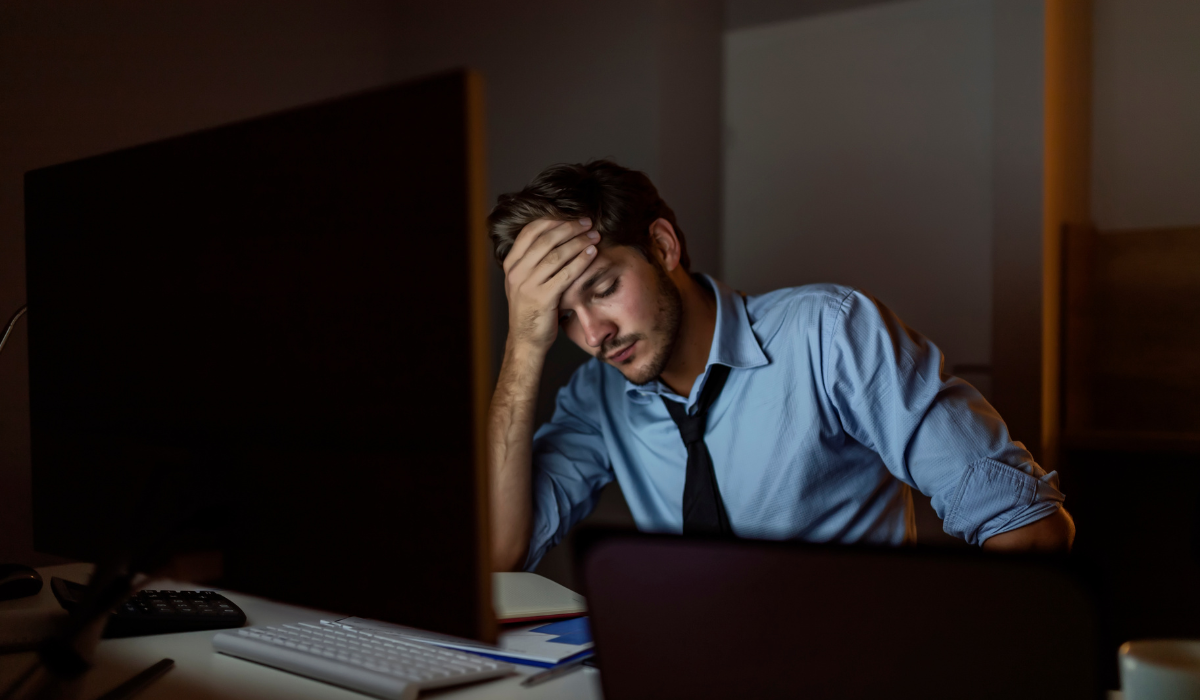
In addition to keeping your sleep schedule consistent, you can raise your Garmin sleep score by reducing stress. The “stress” component to your score can be triggered by metabolic or cognitive stress.
So, in order to reduce metabolic stress, pay attention to when you are eating and drinking. If you have a late meal within a few hours of going to bed it can cause high blood sugar and spike your stress levels, something that Garmin views as bad. Keep a buffer of at least two hours between eating your last meal, drinking any caffeine or protein shakes, and going to bed.
In order to reduce both, you have to get rid of that high intensity training at night, reduce things like blue light exposure which can increase your HRV stress scores, and eliminate cognitive stress which leads me to my next tip.
Stress Management
One of the easiest things you can do to optimize your Garmin score is to give some concerted effort to reducing stress at night, particularly right before you go to bed. You want to shift to parasympathetic activities, things that aren’t stressful, at least an hour before bed.
Lots of ways you can do this, so try each of these and find the one you like best:
- Journaling before bed, maybe even a list of three things for which you’re grateful.
- Brain dumping all your to do items or unfinished tasks so they don’t cause micro-waking during the night.
- Reading (with a real book people–not a device) with soft yellow light.
- Meditating (maybe even a guided meditation for sleep, while you are in bed).
- A warm bath.
- Light stretching (try this next to your bed, even).
No need to do them all and it might even fit your schedule better to mix and match especially if you’re someone who gets bored easily.
Environment Control
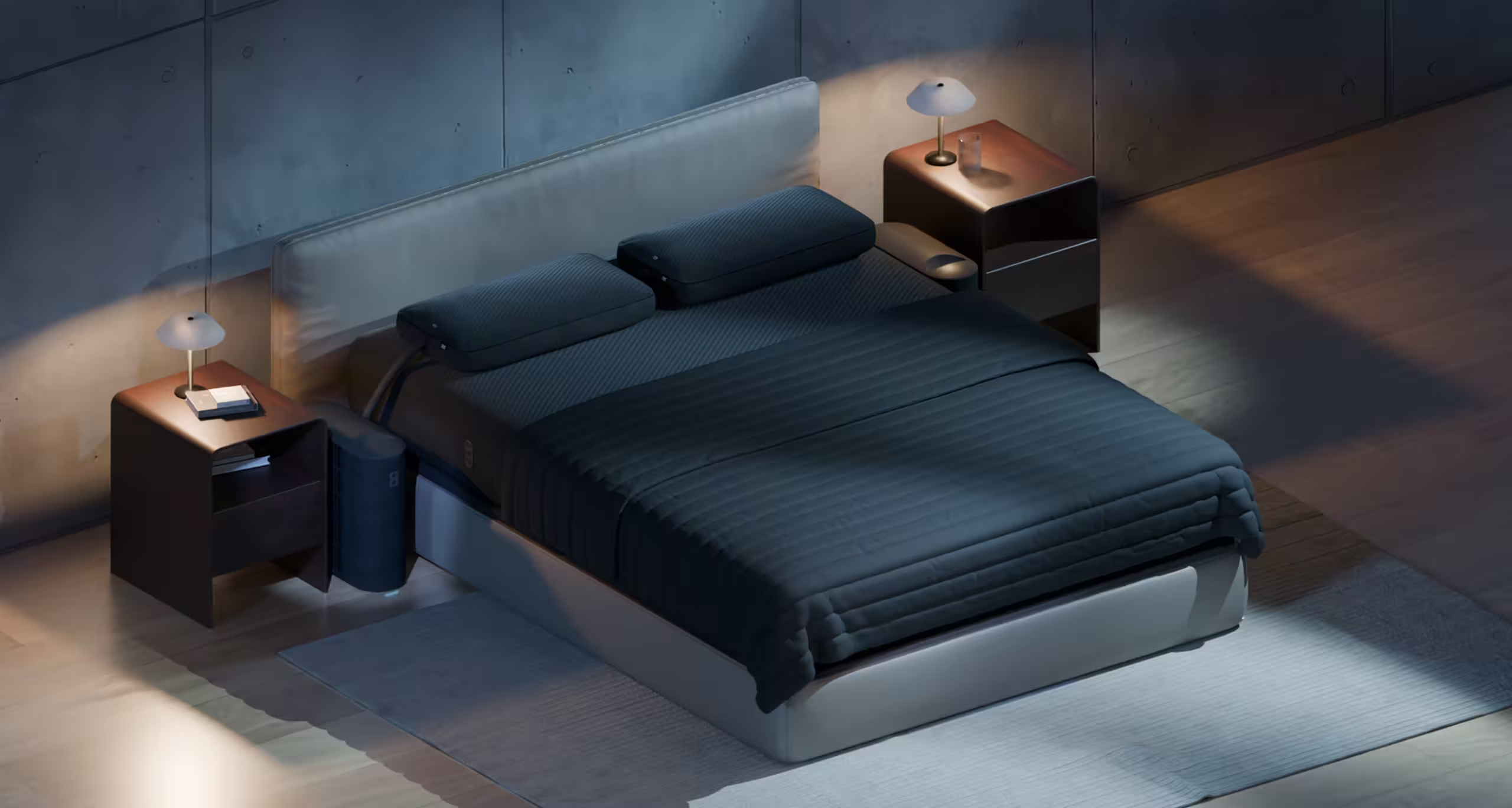
Just as you might control your workspace, your car, or your home, you want to control your sleep environment too.
A cool room (ideally 60–67°F or 15–19°C) lowers your nocturnal heart rate faster, and if you can keep your room at that temperature range, then you will stay in your deeper sleep stages for longer with fewer disruptions. Not only is this critical to muscle repair but it helps keep your resting heart rate down. If your body is constantly trying to bring your temperature down, Garmin registers that as stress, and it can lead to additional tossing and turning, or waking up in the middle of the night. Systems like Eight Sleep offer more advanced environmental temperature control, with automated systems that track the ambient temperature in the room and in your body, and make adjustments so that you fall asleep faster, reach that deep sleep sooner, and stay asleep.
Barring that, you can always invest in cooling blankets, sleep with the windows open, or use a fan which could have a secondary benefit of acting like a white noise machine to help limit microwakings from ambient sounds.
Summing Up
If you are a Garmin user looking to raise your sleep score, remember that many endurance and outdoor workouts can change the metrics that produce your score. As such, without compromising your performance or gains, the best ways you can boost your score include:
- Sleep environment modification
- Setting up recovery protocols
- Avoiding behavior patterns Garmin tends to penalize
Eight Sleep is an environmental optimization layer for athletes who want to influence overnight HRV rather than just track it. But otherwise, avoiding late-night training, sleeping at the same time, and keeping good heart rates will go a long way to boosting your sleep score.